

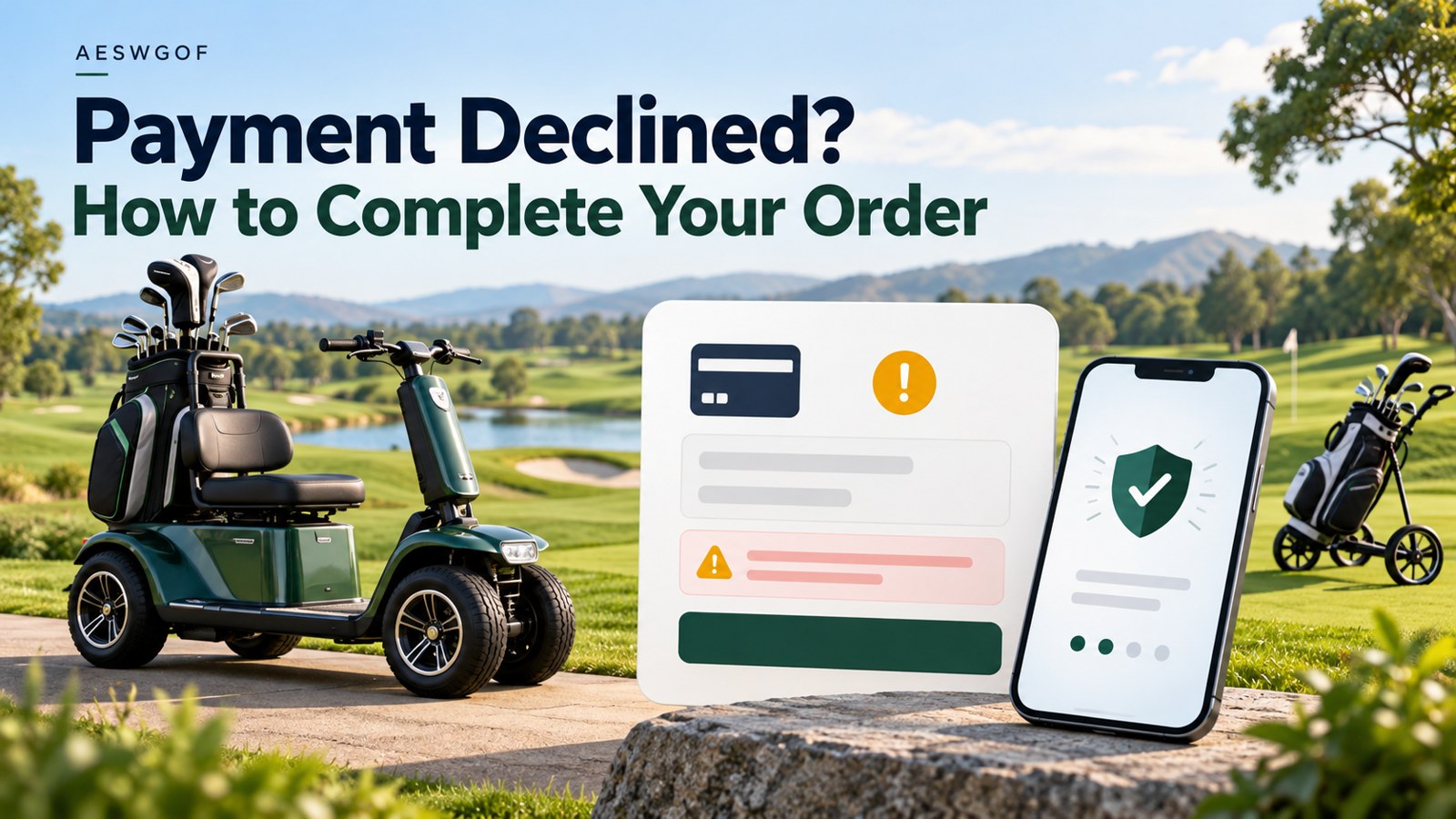
Payment declined when ordering your golf scooter? If your AESWGOF golf cart or electric golf trolley payment has failed, start by checking the error message and contacting your bank. If the problem continues, our team can help you review the order and discuss another payment method, including bank transfer.
A declined payment can happen during card verification, bank authentication or a payment provider’s security checks. A short decline message may not tell us the precise cause. It does not automatically mean that you entered the wrong information or that your card has insufficient funds.
What to do first when your payment fails
- Check your order status before paying again. Successful and failed payments automatically trigger an order status notification email. Refer to that email, or sign in and visit My Account > Orders. If an order shows as paid, or your bank shows a completed charge, contact us before submitting another payment.
- Check your payment details. Re-enter the card number, expiry date, card security code and billing address as held by your bank. Confirm the final amount and currency shown at checkout.
- Contact your issuing bank or payment method provider. Ask about the specific decline and whether online or international purchases, transaction limits or identity verification are affecting the payment.
- Contact AESWGOF if you still cannot pay. Provide your failed order number, the recipient’s name or the email address used for the order through our official contact page. Any one of these is enough for us to search for and match your order.
Common payment decline messages and what they mean
Invalid verification code
This message indicates that a verification check did not succeed. It can be unclear from a brief message whether the problem concerns the card security code or a bank-issued authentication code. Check which field or verification screen the message refers to.
- If the checkout requests the card’s CVV or CVC, check the security code printed on the card.
- If your bank sends a one-time code by SMS or email, enter the latest valid code on the bank’s verification screen. If prompted, complete the approval in your banking app.
- If codes are not arriving, are rejected or have expired, contact your bank for assistance before another attempt.
Never send your card security code, PIN, banking password or one-time verification code to AESWGOF staff. Enter those details only in the relevant secure checkout or bank authentication screen.
Authentication failed or a security check declined the payment
Your bank or payment provider may require an extra identity check, sometimes called 3D Secure. A payment can fail if the check is not completed, expires or encounters a technical problem. A provider may also decline a payment under its risk controls.
Check your bank’s app, SMS or email for an approval request. Keep the checkout open while completing the bank’s instructions, and return to it to see the final result. If authentication repeatedly fails, ask your bank or payment provider what action is required. AESWGOF cannot override its approval decision.
Declined with no specific reason
Sometimes the issuing bank rejects a transaction without sharing a detailed explanation. Contact the bank using its official app or the telephone number on your card. Give the attempted payment date, amount, currency and merchant name shown in your transaction record. Ask whether the purchase is permitted and whether any limits or restrictions apply.
You can also use another payment method offered at checkout. Changing the displayed currency alone does not guarantee that the bank will approve an international payment.
If several payment attempts have failed
Pause repeated attempts and contact your bank first. Once it has explained or resolved the problem, follow its advice about trying again. If the payment still fails, contact AESWGOF staff so we can check the order status and available payment options.
If repeated payment attempts are unsuccessful, contact AESWGOF to request our company bank account details and pay by bank transfer. Provide your failed order number, the recipient’s name or the email address used for the order so we can find the existing order. Our team will provide the bank account information and confirm the amount and currency to transfer.
- Transfer the payment to the AESWGOF bank account provided by our staff.
- After the transfer succeeds, send us a screenshot showing the successful transfer so we can match it to your order.
- Once we confirm that the funds have arrived in our bank account, we will update your existing failed order to Processing. You do not need to create a new order for this payment.
You can then refer to the order status notification email or sign in to your account’s Orders page to check the updated status.
Ordering a golf scooter, golf cart or electric golf trolley
Whether you are choosing a Go2 Pro 2-in-1 golf trolley scooter or browsing our golf scooters, golf carts and golf equipment, check your selected model, battery option and delivery address before paying. Enter your address at checkout to see applicable shipping and taxes, and review the final total in your chosen currency.
If you are unsure which order to pay for after an unsuccessful attempt, ask us to confirm the correct order reference first. This helps avoid duplicate payments and keeps your golf scooter or trolley order easy to track.
Payment help: quick questions
Does a failed payment mean my golf scooter order is confirmed?
A payment attempt alone does not confirm a paid order. Successful and failed payments automatically trigger an order status notification email. Check that email or sign in to My Account > Orders to view your order status. If the result is unclear, contact AESWGOF before paying again.
My bank shows a pending amount. Should I pay again?
A pending entry may be a temporary authorisation rather than a completed payment. Ask your bank to explain its status and contact AESWGOF to check the order. Do not assume that a pending entry is either a completed charge or an automatic refund.
Can AESWGOF approve a payment my bank has declined?
Bank and payment provider decisions are outside our control. We can help you check your order and discuss other ways to pay, including requesting bank transfer instructions when repeated attempts have failed.
What information should I send to AESWGOF?
To help us find your failed order, provide any one of the following: the failed order number, the recipient’s name or the email address used for the order. You do not need to provide all three.
Need help completing your order? Contact the AESWGOF team or email support@aeswgof.com. We will help you check the next step.